最新发布第19页
排序

Docker 部署 LEAP

 5个月前
5个月前
What’s the difference between Sequence, AsyncSequence, and AsyncStream? Sequence、AsyncSequence 和 AsyncStream 之间有什么区别?
Swift provides several ways of receiving a potentially endless flow of data, allowing us to read values one by one, or loop over them using for, while, or similar.Swift ...
1年前
How to create a task group and add tasks to it 如何创建任务组并向其添加任务
Swift’s task groups are collections of tasks that work together to produce a single result. Each task inside the group must return the same kind of data, but if you use enum assoc...
1年前How to run tasks using SwiftUI’s task() modifier 如何使用 SwiftUI 的 task() 修饰符运行任务
SwiftUI provides a task() modifier that starts a new task as soon as a view appears, and automatically cancels the task when the view disappears. This is sort of the equi...
1年前
环境搭建
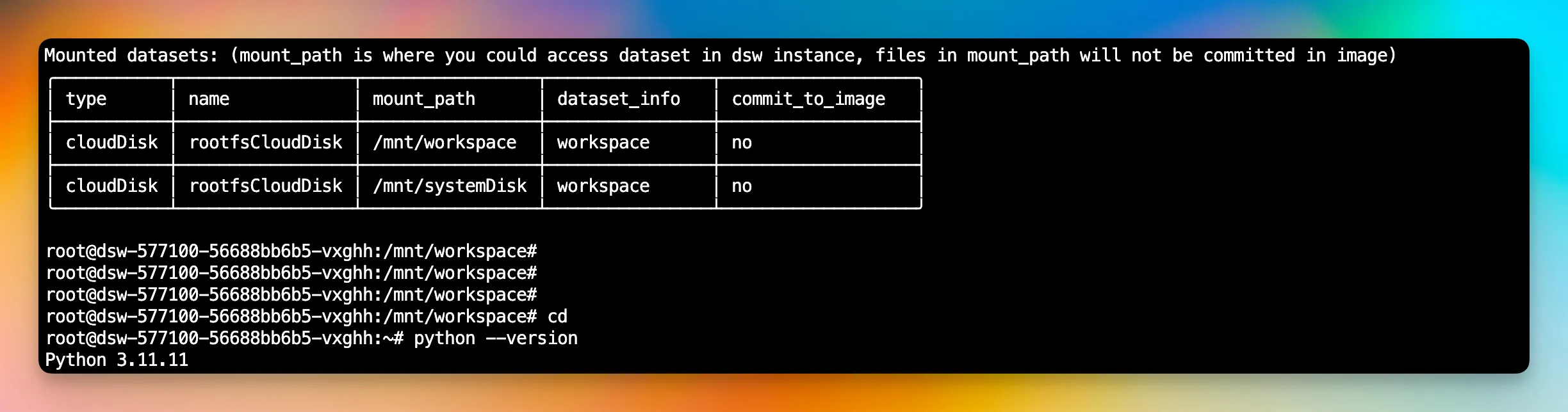
硬件部分 硬件部分,我们可以直接申请免费云资源 阿里云 GPU 以及 CPU 资源 Kaggle GPU 以及 CPU 资源 Google GPU 以及 CPU 资源 阿里云GPU(相对麻烦) 点击以下链接,进入申请页面 https://fr...
1年前
NumPy 的使用
NumPy 用于处理多维数组或矩阵。具体的使用步骤 引入NumPy库 矩阵基本运算 基本使用 import numpy as np # 创建一维数组 arr1 = np.array([1, 2, 3, 4, 5]) # 打印数组 print('一维数组:', arr1...
1年前
Android 模拟器访问外网
在 Android Studio 中开发应用,需要访问 google 相关服务。 模拟器访问Google 连接 AndroidWifi 在 Android 的模拟器的设置中,连接 WiFi,模拟器中 Wifi 的名称可能不一样。 连接 Wifi 设置网...
8个月前
Jetpack Compose
Jetpack compose 是谷歌开发的一款现代工具包,用于构建原生 Android用户界面。它允许开发者使用声明式编程模型为 Android应用构建 UI 界面,当底层数据发生改变时,Compose 负责更新 UI 界面,...
7个月前
Bottom Navigation
创建 Screen HomeScreen 的可组合函数 @Composable fun HomeScreen() { Column( modifier = Modifier.fillMaxSize(), horizontalAlignment = Alignment.CenterHorizontally ) { Button( onClick...
7个月前