



温馨提示:本文最后更新于
2025-12-02 16:13:53,某些文章具有时效性,若有错误或已失效,请在下方留言。Scrolling Column
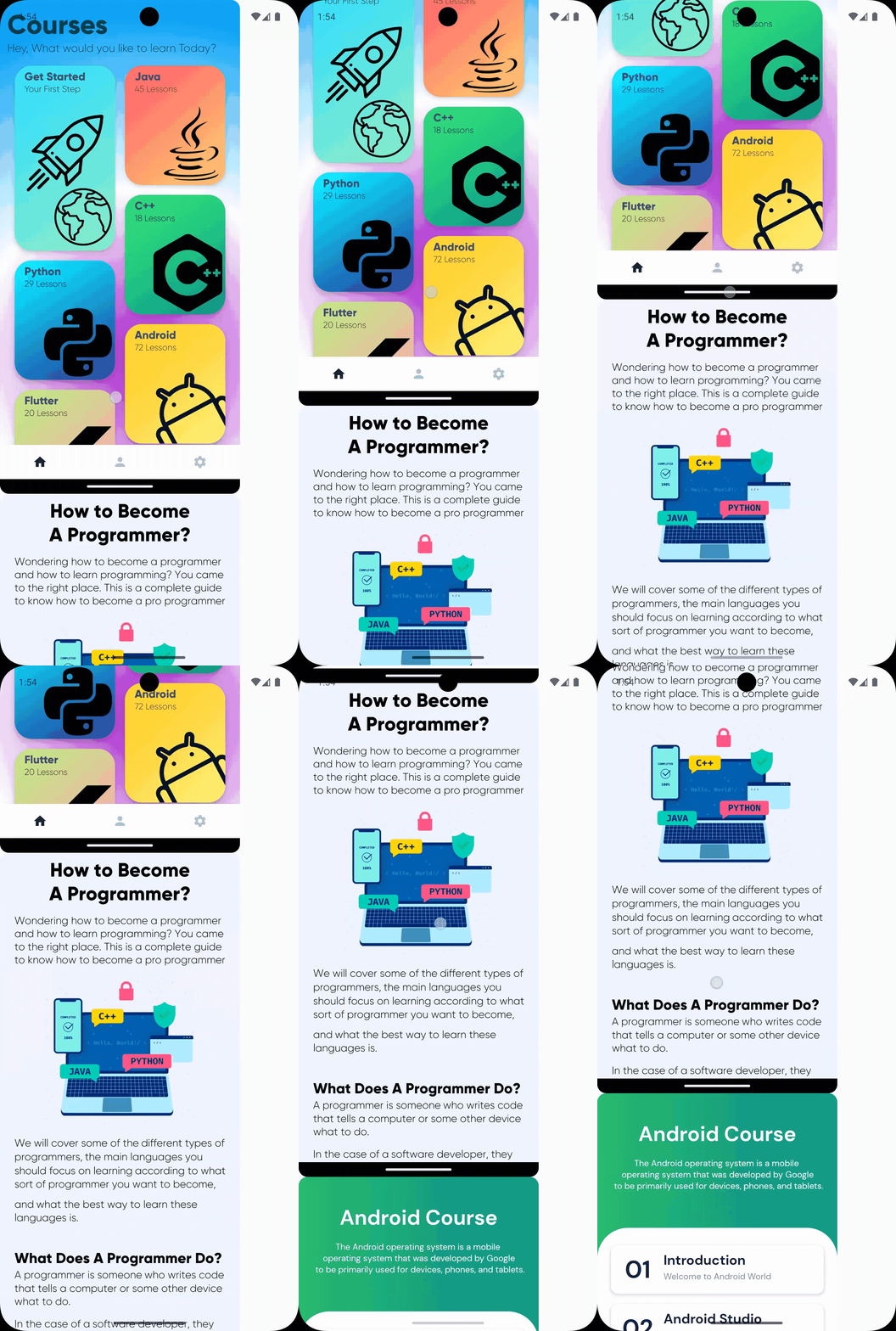
Modifier.verticalScroll(scrollState) 将 Column 变为可滚动。
@Composable
fun ScrollingColumn() {
    // 创建一个滚动状态
    val scrollState = rememberScrollState()

    Column(
        // 当视图超出屏幕的时候,允许滚动
        modifier = Modifier.verticalScroll(scrollState)
    ) {
        Image(
            painter = painterResource(id = R.drawable.pic1),
            contentDescription = "Pic 1",
            contentScale = ContentScale.FillBounds
        )
        Image(
            painter = painterResource(id = R.drawable.pic2),
            contentDescription = "Pic 2",
            contentScale = ContentScale.FillBounds
        )
        Image(
            painter = painterResource(id = R.drawable.pic3),
            contentDescription = "Pic 3",
            contentScale = ContentScale.FillBounds
        )
    }
}
运行效果
Scrolling Row
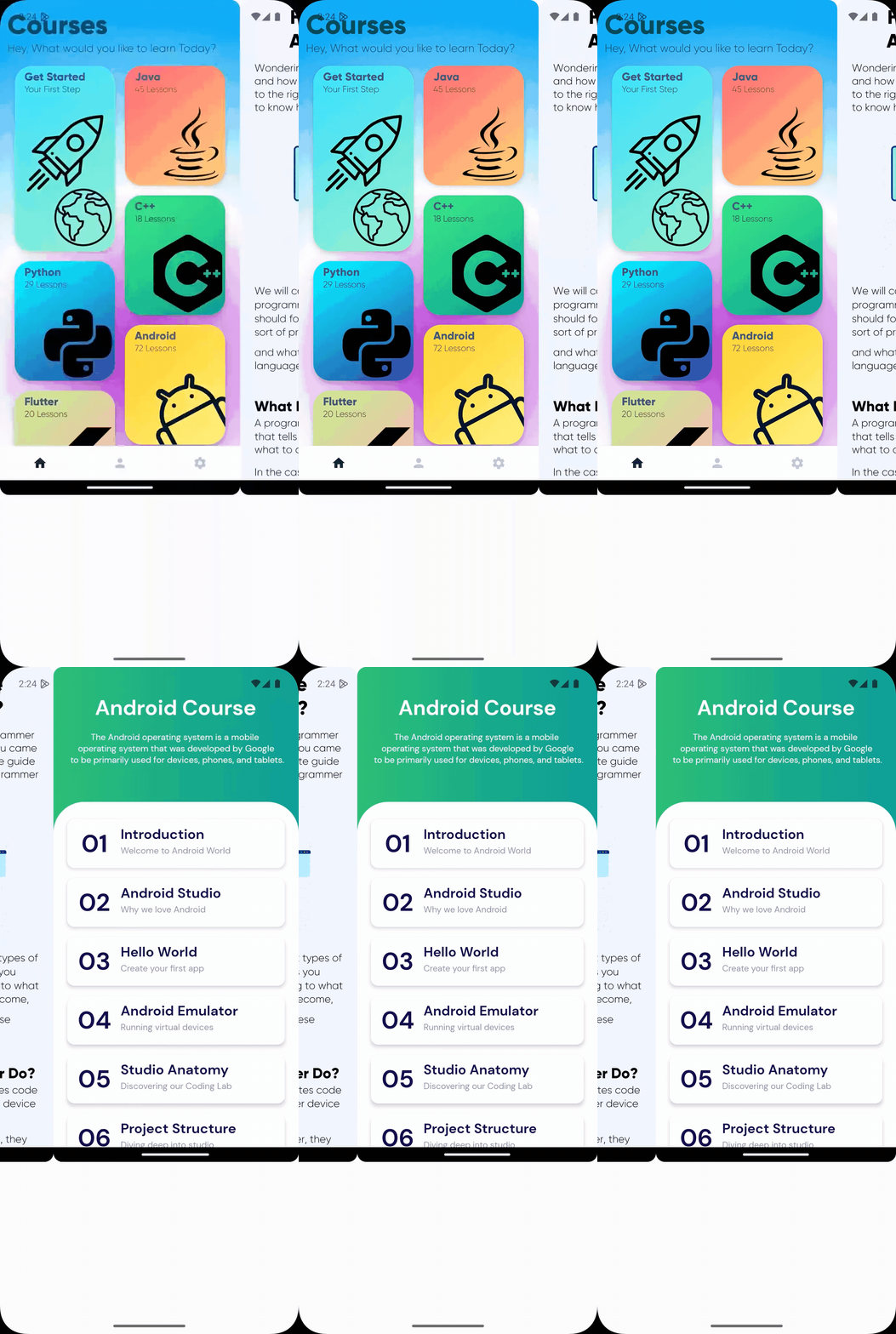
Modifier.horizontalScroll(scrollState) 将 Row 变为可滚动。
@Composable
fun ScrollingRow() {
    Row(
        modifier = Modifier.horizontalScroll(rememberScrollState())
    ) {
        Image(
            painter = painterResource(id = R.drawable.pic1),
            contentDescription = "Pic 1",
            contentScale = ContentScale.FillBounds
        )
        Image(
            painter = painterResource(id = R.drawable.pic2),
            contentDescription = "Pic 2",
            contentScale = ContentScale.FillBounds
        )
        Image(
            painter = painterResource(id = R.drawable.pic3),
            contentDescription = "Pic 3",
            contentScale = ContentScale.FillBounds
        )
    }
}
运行效果
Lazy Column
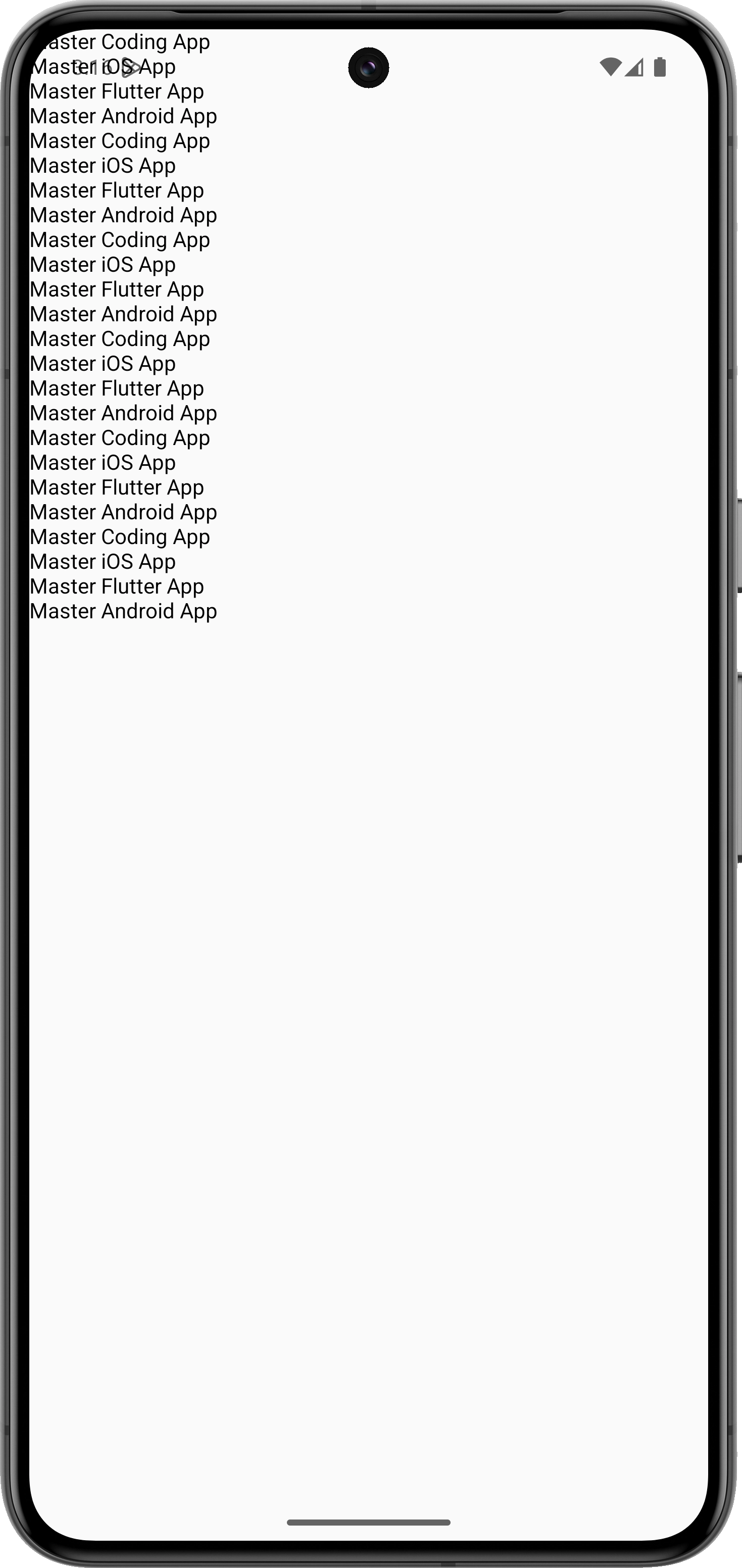
在 Jetpack Compose 中,LazyColumn 是一个高性能的垂直列表组件,它只会渲染屏幕上可见的列表项,非常适合大数据列表。它和传统的 Column 不同,不需要手动添加滚动,因为它自带滚动能力。
基本使用
@Composable
fun MyLazyColumn() {
    var itemsList = listOf<String>(
        "Master Coding App", "Master iOS App", "Master Flutter App", "Master Android App",
        "Master Coding App", "Master iOS App", "Master Flutter App", "Master Android App",
        "Master Coding App", "Master iOS App", "Master Flutter App", "Master Android App",
        "Master Coding App", "Master iOS App", "Master Flutter App", "Master Android App",
        "Master Coding App", "Master iOS App", "Master Flutter App", "Master Android App",
        "Master Coding App", "Master iOS App", "Master Flutter App", "Master Android App"
    )

    LazyColumn() {
       items(itemsList) {
           Text(text = it)
       }
    }
}
效果图,如下所示
自定义 Column
@Composable
fun MyLazyColumn() {
    var itemsList = listOf<String>(
        "Master Coding App", "Master iOS App", "Master Flutter App", "Master Android App",
        "Master Coding App", "Master iOS App", "Master Flutter App", "Master Android App",
        "Master Coding App", "Master iOS App", "Master Flutter App", "Master Android App",
        "Master Coding App", "Master iOS App", "Master Flutter App", "Master Android App",
        "Master Coding App", "Master iOS App", "Master Flutter App", "Master Android App",
        "Master Coding App", "Master iOS App", "Master Flutter App", "Master Android App"
    )

    LazyColumn() {
       items(itemsList) {
           MyCustomItem(itemTitle = it)
       }
    }
}

@Composable
fun MyCustomItem(itemTitle: String) {
    Row(
        modifier = Modifier.padding(8.dp)
            .fillMaxWidth(),
        verticalAlignment = Alignment.CenterVertically
    ) {
        Text(
            text = itemTitle,
            fontSize = 42.sp,
            modifier = Modifier.background(color = Color.Green)
        )
    }
}
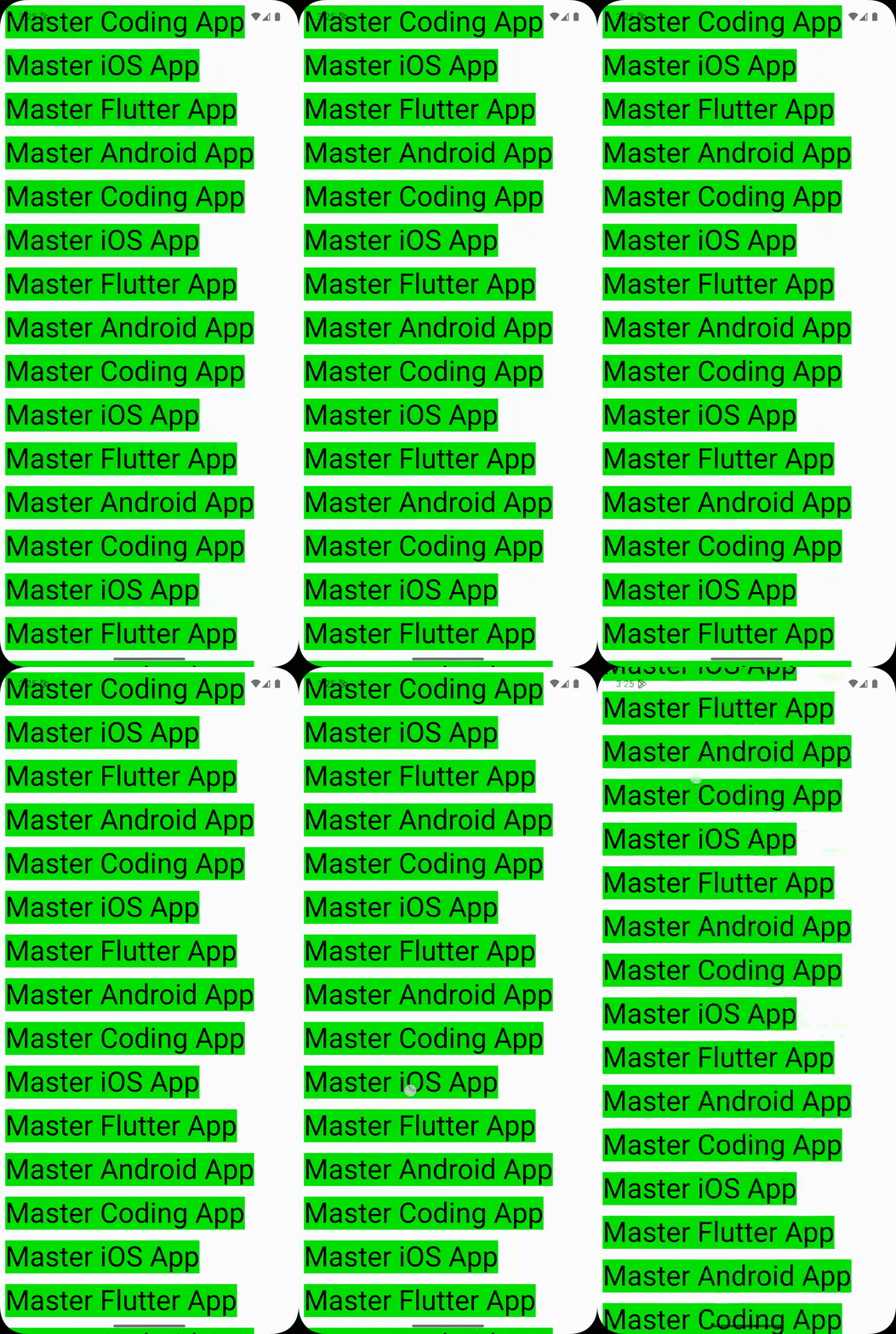
效果图,如下所示
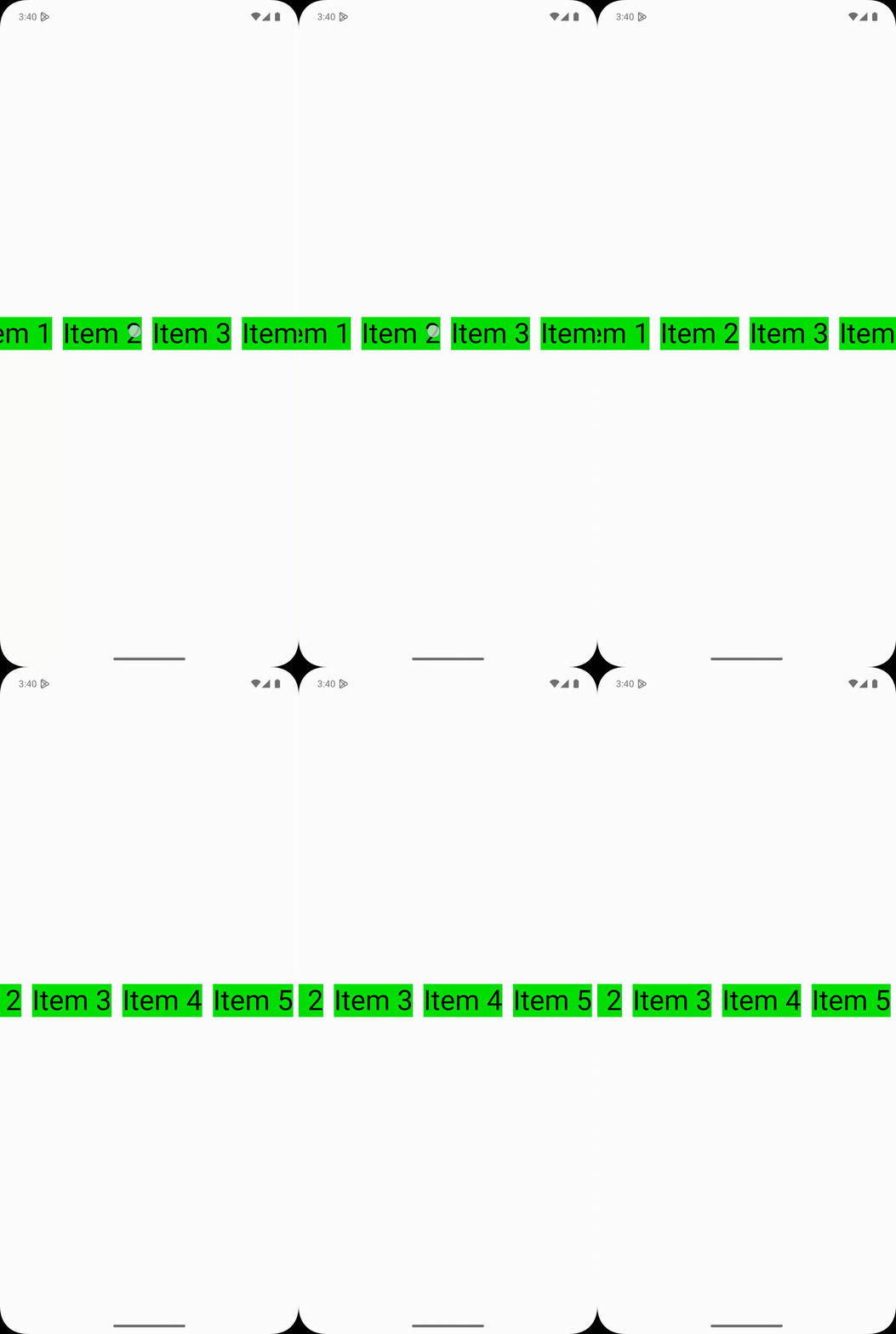
Lazy Row
@Composable
fun MyLazyRow() {
    val itemList = listOf<String>("Item 1", "Item 2", "Item 3", "Item 4", "Item 5")
    LazyRow(
        horizontalArrangement = Arrangement.Center,
        verticalAlignment = Alignment.CenterVertically,
        modifier = Modifier.fillMaxSize()
    ) {
        items(itemList) {
            MyCustomItem(itemTitle = it)
        }
    }
}
效果图,如下所示
Item Handler
Item 的点击事件,通过 clickable 处理。
@OptIn(ExperimentalMaterial3Api::class)
@Composable
fun MyCustomItem(itemTitle: String) {
    val context = LocalContext.current
    Row(
        modifier = Modifier
            .padding(8.dp)
            .fillMaxWidth()
            .clickable {
                Toast.makeText(
                    context,
                    "You Clicked $itemTitle",
                    Toast.LENGTH_SHORT
                ).show()
            },
        verticalAlignment = Alignment.CenterVertically
    ) {
        Text(
            text = itemTitle,
            fontSize = 42.sp,
            modifier = Modifier.background(color = Color.Green)
        )
    }
}
运行效果,如下所示

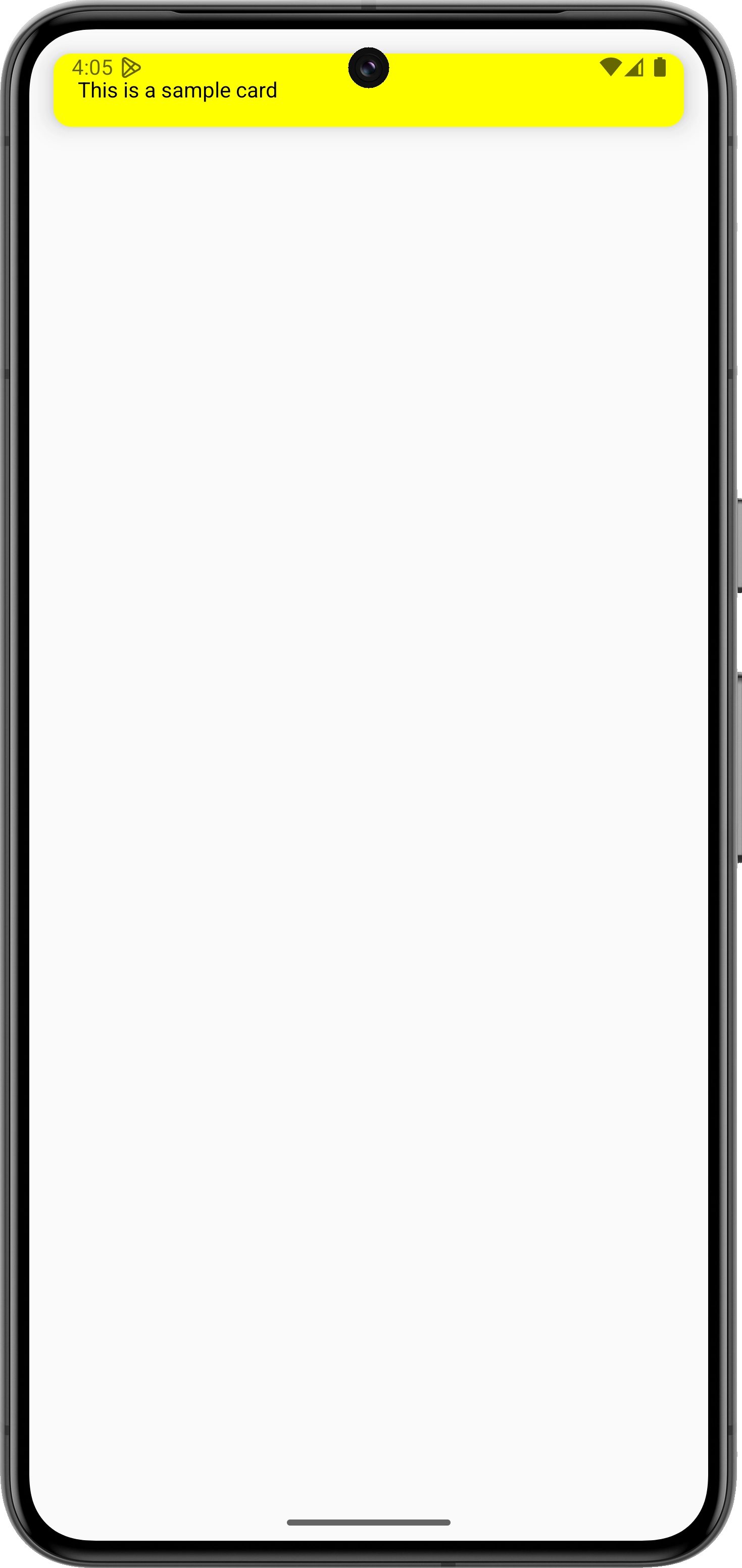
Card
@Composable
fun MyCard() {
    Card(
        modifier = Modifier
            .fillMaxWidth()
            .padding(16.dp),
        elevation = CardDefaults.cardElevation(
            defaultElevation = 10.dp
        ),
        colors = CardDefaults.cardColors(Color.Yellow)
    ) {
        Text(text = "This is a sample card",
            modifier = Modifier.padding(16.dp))
    }
}
运行效果,如下所示
THE END










暂无评论内容